

Cozy Earth’s content partnerships ran through its PR firm until a small partner pool, limited custom contracting, and basic reporting held the program back. The company wanted to own those relationships and automate its partner management. That goal led the team to ask how to choose affiliate management software it could run itself.
The team brought its PR and affiliate functions in-house and chose impact.com for tools such as reporting and tracking, enabling its own staff to manage partners directly. After the switch, the company reached 109% year-over-year program growth, according to the Cozy Earth x impact.com case study.
Once Cozy Earth’s own team was set to run the program, what the platform had to do came into focus: reporting, tracking, and control the team could use directly.
Not every program will bring its work in-house, but every program can answer the same three questions.
- Which jobs does the platform need to take off your hands?
- What could it automate
- What could your team still run?
Start with the jobs your program needs done
A job is a recurring task that a program can’t do without, such as finding partners, paying them on time, or verifying that the numbers hold up. Most affiliate programs carry the same six jobs. Software can take over part of each one, and each job still leaves something for a person to decide.
| Job | Software takes over | Your team keeps |
|---|---|---|
| Partner discovery and recruitment | Filtering and recommending candidates | Choosing whom to recruit and what to offer |
| Contracts and payouts | Templates and scheduled payouts | Exceptions, holds, and disputes |
| Tracking and attribution | Recording touchpoints and splitting credit | Setting attribution rules and explaining them |
| Partner communication | Routine notices and reply tracking | Offers and personal outreach |
| Fraud protection and monitoring | Flagging suspicious sales and payments | Deciding what happens to each flag |
| Reporting and optimization | Dashboards and scheduled reports | Reading the numbers and choosing where to invest |
1. Partner discovery and recruitment
Recruiting is usually the job that fills a manager’s week first. Searching, vetting, and messaging candidates one at a time works for a handful of partners, then slows the whole program down. When it is done manually, strong candidates go unnoticed, and outreach stalls between the first and second messages.
Software can take over the search itself. Filters for partner type, audience size, and region narrow the pool, and recommendations based on your top performers point to partners with a similar profile. If an agency runs recruiting, the same filters let your team review its shortlist without reading every profile.

Save time with a solution featuring powerful discovery and recruitment automation
You still decide whom to recruit and what to offer them. Fit depends on your product, your brand standards, and the kind of partner you want to grow with, and no filter can weigh those for you.
2. Contracts and payouts
Contracts and payouts require the most care, because every term and payment must match what was agreed. When a team writes each contract and approves each payment by hand, the hours add up, and mistakes creep in. Commissions paid before a return period closes can also be applied to sales that later reverse.
Contract templates by partner type and automatic payouts on a set schedule handle the routine part. Holding commissions until the return period ends protects the business from paying out on sales that reverse.
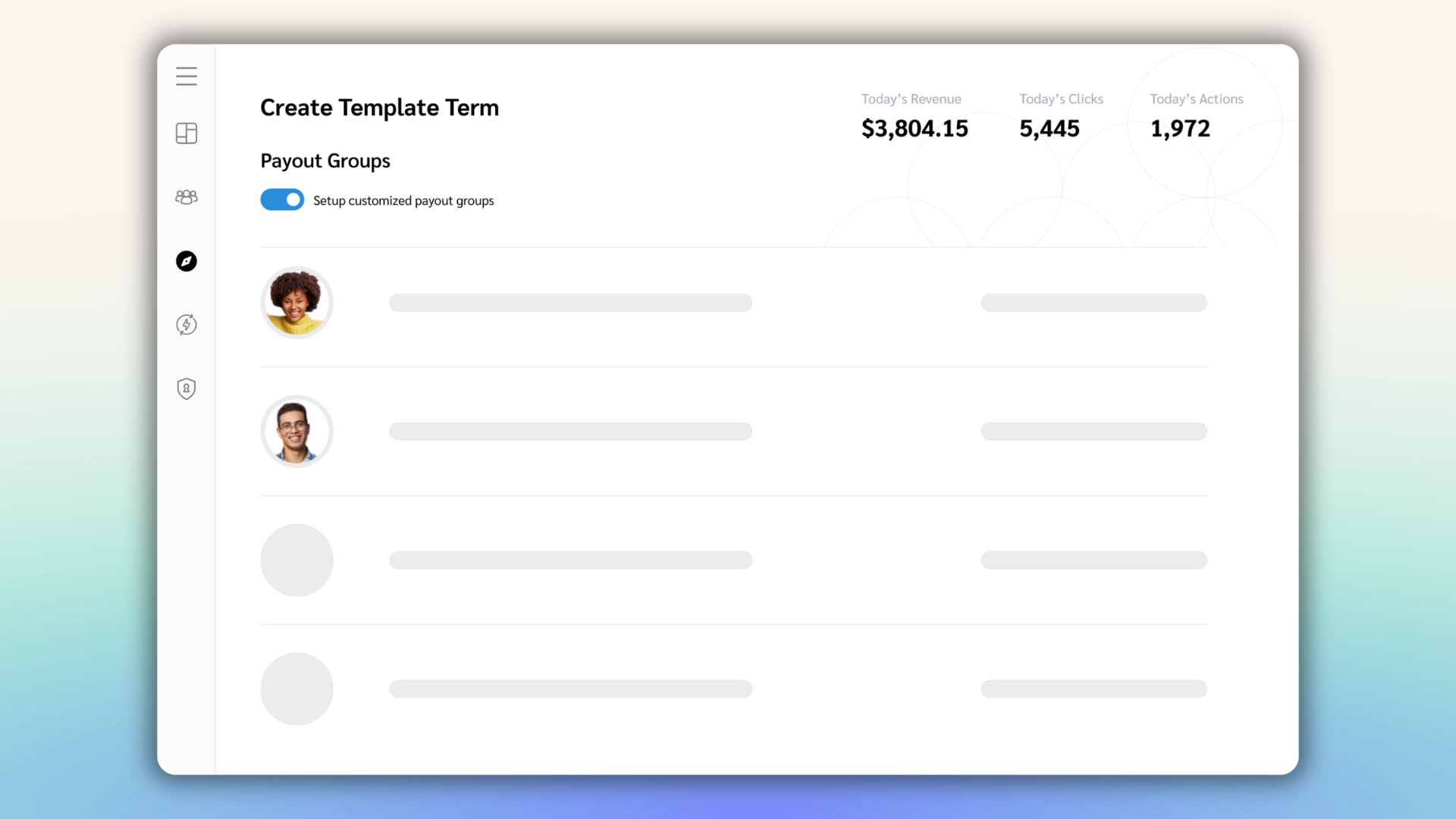
Template terms let you set the event type you want to pay out for
You still decide the terms each partner type should receive and approve any exception that falls outside the templates. Your team also decides when a payment should be held and whether a partner’s dispute is valid.
3. Tracking and attribution
Tracking matters most to whoever has to defend the numbers to an approver. Without clear attribution, two partners can claim the same sale, and your brand either pays twice or spends hours settling the dispute.
Software records each partner touchpoint and splits credit by the rules you set, so the same sale is not paid twice. A view of every touchpoint also shows which partners start a sale and which ones close it. Good tracking covers both web and app properties, so a sale that starts in one and finishes in the other is counted once.
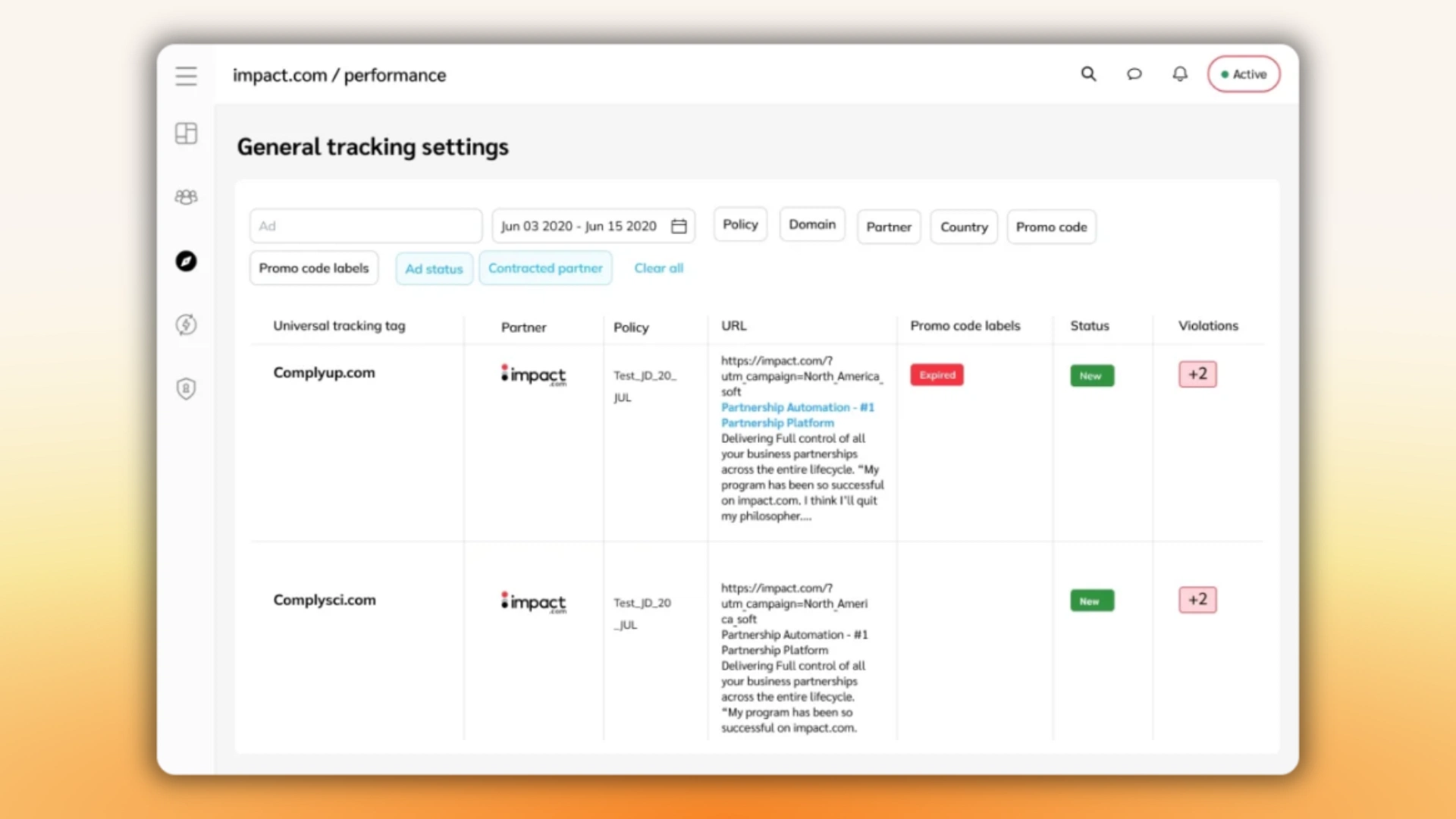
Track partners across web and app properties and attribute performance
Your team still sets the attribution rules, including how long a click counts and how credit is split between partners. Those rules change how much each partner earns, so you have to decide them and explain them to partners.
4. Partner communication
Onboarding messages, offer updates, and payment notices fill a small team’s calendar. Sent manually, they slip, and partners who hear late lose interest in the program.
Templates and automatic messages send the routine notices on time. Open and reply tracking shows which partners need a follow-up, so the team can spend its personal outreach where it counts.
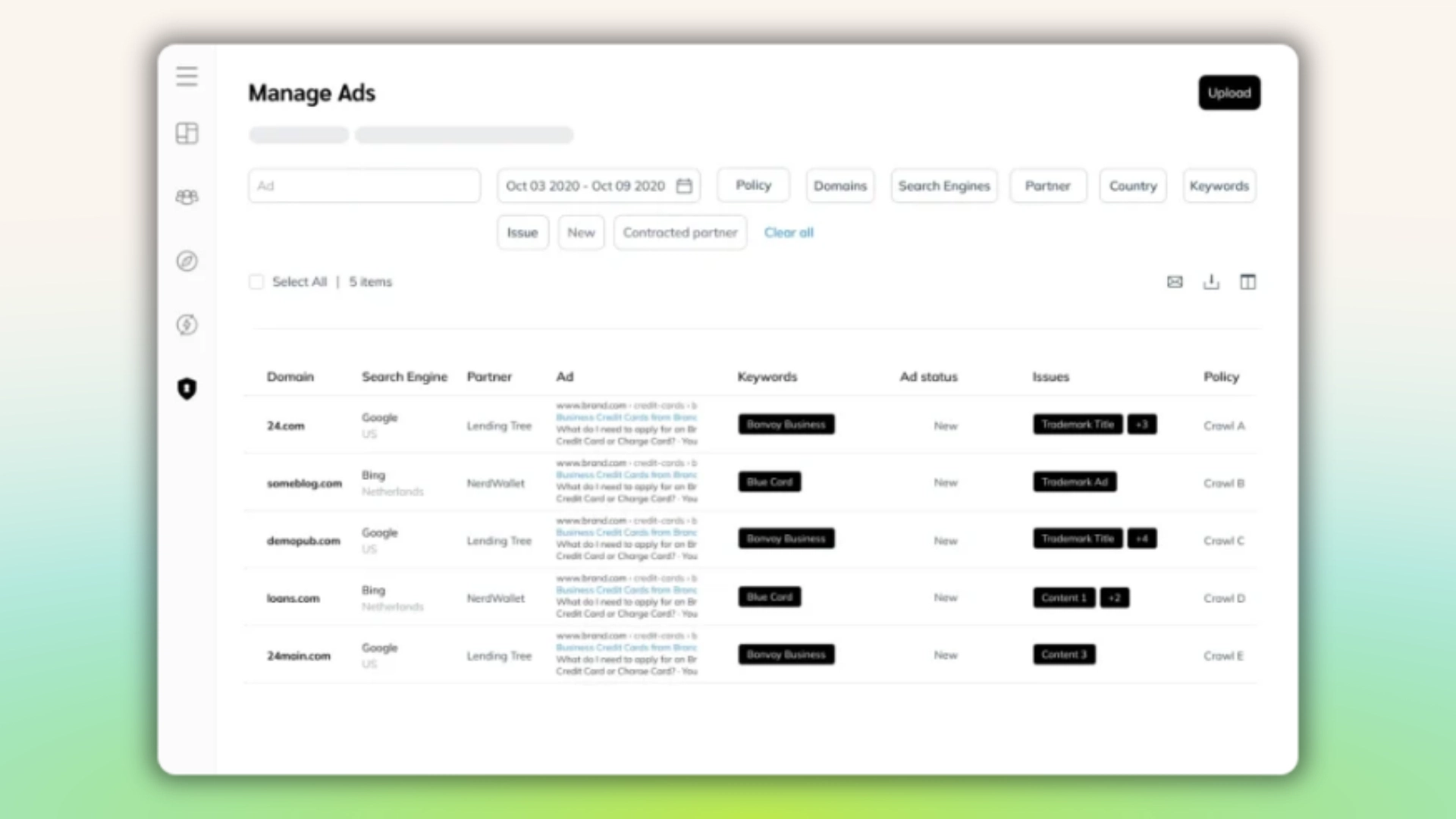
Centralize advertising content to give your partners content to promote your brand and products
You write the offers, decide when a partner gets a personal note, and handle the replies that no template can answer.
5. Fraud protection and monitoring
Fraud review is work that a few hours a week rarely covers. Self-referred sales, misused coupons, and partners bidding on your brand name can slip through when the team checks only a sample by hand.
Software flags self-referred sales, unauthorized coupon use, and brand bidding, so your team reviews a shorter list. The feature cuts review hours without removing the decision.
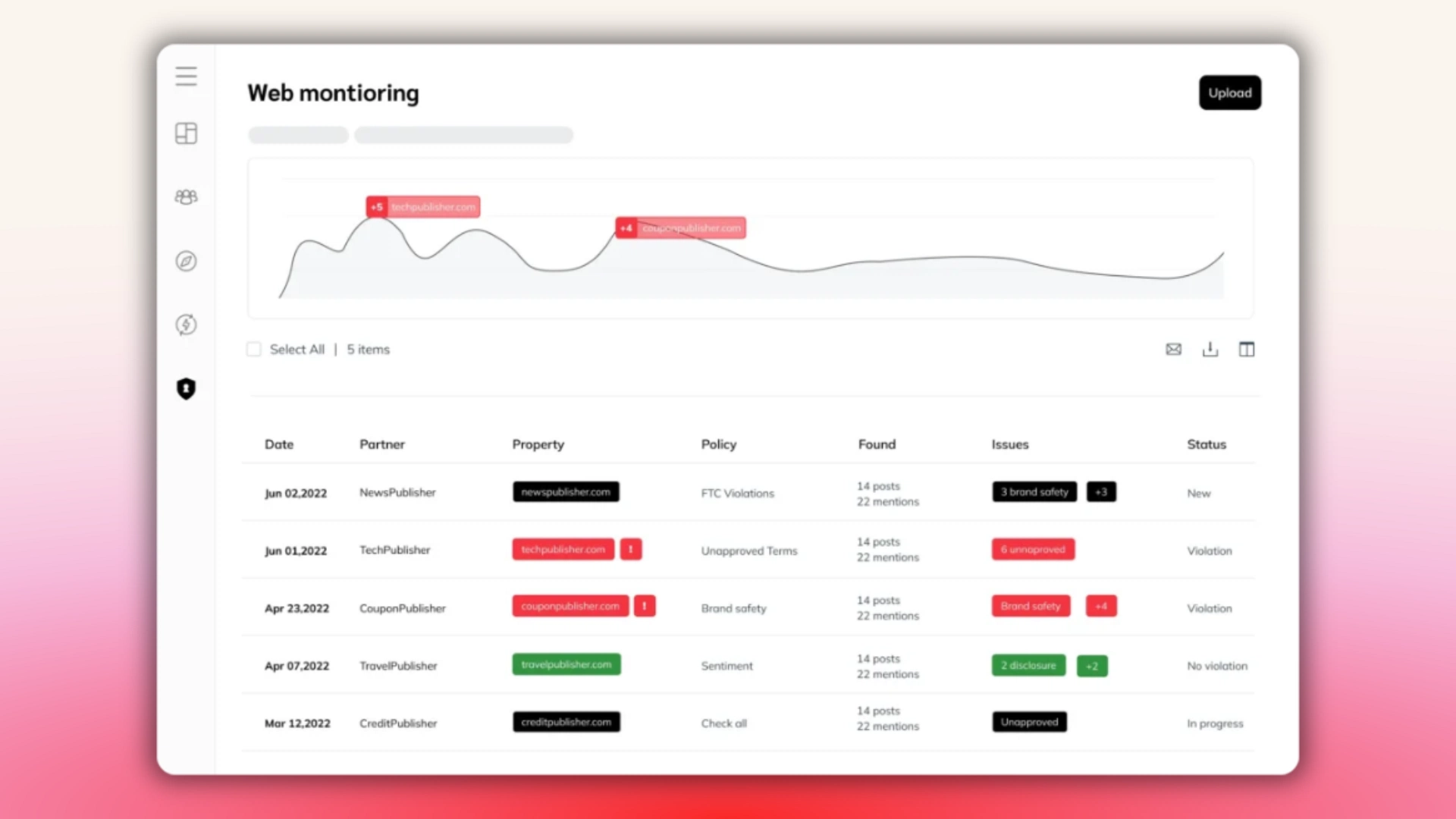
Protect your partnerships with full-stack protection across the entire consumer journey.
Your team still decides what happens to a flagged payment, whether a partner gets a warning, and when a partner should be removed. A flag is a starting point for review, not a verdict.
6. Reporting and optimization
Reporting is what the approver reads, and it tells the team where its hours should go. Without revenue, costs, and returns by partner, no one can tell which partners deserve more attention.
Dashboards that show revenue, cost, and return for each partner let the team compare partners on the same basis. Scheduled reports send the same numbers to the approver each period without a manual rebuild.
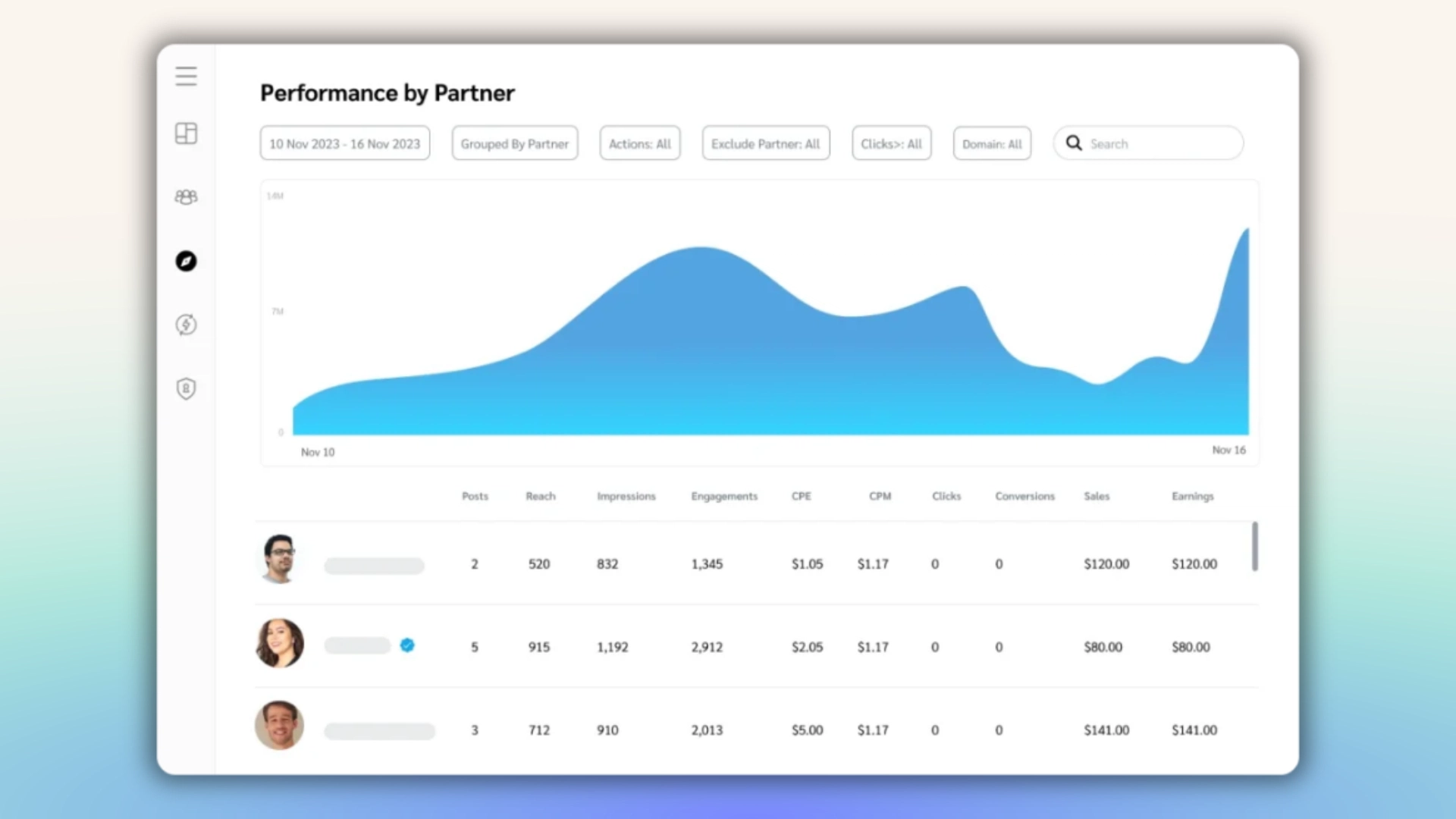
Look for reporting that tells you what to do next
You read the numbers and choose where to invest. An agency-run program still needs reports the brand can read on its own, so the brand keeps control of the decision even when someone else handles the daily work.
Once you know which jobs you want software to take over, the feature list sorts itself. Features that remove the most of your team’s hours move to the top, and the rest can wait.
What each type of setup automates and what it leaves to you
Each setup gives your team a different mix of jobs, so the right fit depends on which jobs you want to keep in-house and which ones you’re happy to hand off. The comparison below shows what each setup covers and what it leaves for your team or an agency to run.
In-house build
In-house builds give you control over how the program works, direct partner relationships, and ownership of your data. Your brand gives up developer time to build and maintain the platform, and it often starts more slowly, recruiting partners by hand. If you have developers to spare and a clear plan for the program, building is a reasonable choice and sometimes the right one.

Affiliate networks
Affiliate networks connect a brand with a pool of partners and bundle tracking and payments. You get access to an existing partner pool, a fast setup, and less work for a small team. In many cases, there is a fee on commissions or revenue, and the depth of reporting varies by network, so ask for a sample report before you commit. Awin, CJ, and Rakuten Advertising are examples, though networks differ from one another.

SaaS platform
SaaS platforms give you direct relationships with partners, ownership of your data, flexible contract and payout terms, and one place to manage every partner type. In return, you pay a subscription fee, spend time on setup or migration, and need your team or an agency to run the program. Examples include impact.com, Partnerize, PartnerStack, and Refersion.

Use the table to see which jobs each setup hands you and which ones you still staff.
| Setup | Jobs the tools cover | Jobs your team or agency staffs | What you gain | What you give up |
|---|---|---|---|---|
| In-house build | Only what your developers build | All six jobs | Full control of design and data | Engineering time and a slower start |
| Affiliate network (full service) | In many cases, tracking, payouts, and access to a partner pool, often with some account management | Often recruiting beyond the pool, plus whatever account management leaves to you | Fast setup and a ready pool with less work for a small team | Fees and reporting depth vary by network |
| Affiliate network, self-service | Tracking, payouts, and access to a partner pool | Recruiting beyond the pool, communication, fraud review, and reporting, with depth that often varies by network | Quick access to an existing partner pool | You staff the work, and partner relationships often run through the network |
| SaaS platform with your own team | Tracking, contracts, payouts, communication, fraud flags, reporting, and discovery | Recruiting decisions, terms, and fraud decisions | Direct partner relationships, data ownership, and flexible terms | Subscription cost and staff hours |
| SaaS platform with an agency | The same tools as a SaaS platform | Day-to-day running, with your team reading the reports | Direct relationships and data without adding staff | Subscription cost, agency fees, and some day-to-day control |
Where AI helps and where your team still decides
AI shows up in affiliate software in a few specific places, and in each one it narrows the work rather than replacing the decision. Here is where that line usually falls.
| Where AI helps | Where your team decides |
|---|---|
| Flags payments that look like self-referred sales, so the review list is shorter | Whether a flagged payment is paid, held, or reversed |
| Recommends partners who resemble your top performers | Whom to recruit and what to offer them |
| Surfaces patterns in partner results that take a long time to find in a spreadsheet | What those patterns mean for the program and where the budget should go |
| Narrows a large pool of candidates into a shortlist | Which candidates fit your product and brand standards |
When a vendor describes its AI features, ask which ones are AI-driven and which follow fixed rules, which ones are generally available today, and which decisions still come back to your team. Then ask who can override the output and how.
Check the fit against your team’s capacity
Once you know which jobs the software should take over, check whether your team can staff the remaining work. Three questions will help you decide.
- How many hours a week can your team give to the program?
- Which jobs do you want to own?
- Which jobs would you hand to an agency or provider?
Signs that a setup asks too much of your team include:
- Reporting too basic to guide decisions
- Contracts and payouts that can’t be customized
- A partner pool too small to grow
- Developers who spend their time on upkeep.
Before you switch, check whether the setup is failing or whether the program is being run in a way the setup can’t support. If the problem is how the program is run, staying with your current setup is a legitimate answer.

Two costs, two budget lines
Every setup has a technology cost and a work cost, and each usually sits on a different budget line. A network fee often covers account management, so it isn’t fair to set it beside a subscription that covers none of the work. Comparing where each cost appears shows your approver which one your budget and your team’s hours can cover.
| Setup | Technology cost shows up as | Work cost shows up as |
|---|---|---|
| In-house build | Developer time to build and maintain the platform | Your team’s time to run the program |
| Affiliate network | A fee, often taken as a share of commissions or revenue | Staff time for whatever account management leaves to you |
| SaaS platform | A subscription fee, plus setup or migration effort, and in some cases a fee on partner-driven sales | Your team’s hours or an agency’s fees |
Hybrids and combinations
Some brands use a network to find partners and a SaaS platform to manage those partners directly. Two setups mean two sets of rules, and two sources can claim credit for the same sale, so someone on your team has to settle those claims. Before you add a second setup, check whether one platform already covers the jobs on your list.
When to check again
Technology and staffing change at different rates, so one can stay the same while the other shifts. Check the fit again when one of these events happens, and otherwise review it once a year at budget time.
| What happens | What to ask |
|---|---|
| Your team grows or shrinks | Can the team still give the program the hours it needs? A smaller team may hand more work to an agency, and a larger one may take some back. |
| You add a new partner type, such as creators or content publishers | Can your tracking and contract terms handle this partner type, and who will recruit and manage these partners? |
| Reports stop answering your approver’s questions | Is the problem missing data, or is nobody reading the reports and acting on them? |
| You switch platforms or add automation | Which routine hours did it remove, and who does the remaining work? |
What to bring to your demo
A demo is the fastest way to see whether a platform handles a job well, and it is where the right questions get answered. Bring the questions below to every vendor so the answers can be compared side by side.
| Job | What to ask | A good answer lets your team stop |
|---|---|---|
| Partner discovery and recruitment | – How does the platform sort candidates – Can I save criteria for each partner type? – How do recommendations change when my top performers change? | Searching and vetting candidates one at a time |
| Contracts and payouts | – Can templates vary by partner type – Can each partner have its own payment schedule? – Can my team hold or reverse a payment before it goes out? | Writing every contract and approving every routine payment by hand |
| Tracking and attribution | – Which attribution rules can I set? – How is a sale handled when two partners claim it – Can an agency see the same data my team sees? | Settling credit disputes and rebuilding numbers to defend them |
| Partner communication | – Which messages send automatically – Which need a manual send? – Does reply tracking show which partners have responded? | Sending routine notices and chasing replies |
| Fraud protection and monitoring | – Which flag types are covered – Can I set my own thresholds? – Who can hold a payment while a flag is under review? | Checking a sample of sales by hand |
| Reporting and optimization | – Can reports run on a schedule – Can I view results by partner type? – Can my approver read them without help? | Rebuilding the same report each period |
Then ask each vendor one more question. What does its automation remove from your team’s weekly hours, and what does it still leave for you? The answer shows which jobs the platform takes off your plate and which ones stay with your team.
Ask each platform provider the same question, so the comparison rests on the same answers.

FAQ
Affiliate marketing software is a set of tools that tracks partner activity, pays commissions, and gives a brand ways to recruit, communicate with, and measure its partners. A brand can run it as its own platform or receive it as part of a network’s service. The software covers the technology, and your team or an agency still does the work of managing partners.
The tools needed for affiliate marketing are tracking, payouts, partner communication, reporting, fraud protection, and a way to find partners. Tracking records which partner referred each sale, payouts deliver the commissions partners earned, and reporting shows which partners deserve more investment. Communication tools keep partners engaged, fraud protection flags suspicious activity, and discovery brings new partners into the program. Someone on your team or at an agency still has to do the work using those tools.
Choosing the best affiliate software for your business starts with listing the tasks your program needs done, then marking the ones you want the software to automate. Check what is left against your team’s weekly hours and against the jobs an agency could take on. Compare the platforms that cover your remaining jobs using the same demo questions. No single platform is best for every brand, because the right fit depends on which jobs your team can’t keep doing by hand.
Choosing affiliate marketing software with payment integrations comes down to how well the platform handles contracts and payouts. Look for automatic payouts on a set schedule and commissions held until the return period ends. Confirm that your team can hold, reverse, or reject a payment before it goes out, and check which payment methods the platform connects to. Decide who on your team or at your agency will handle exceptions. Those controls let you pay partners on time without paying twice for the same sale.
Make the jobs your starting point
Most managers start by asking which software has the most features. A more useful starting question is which jobs this software needs to take off my team. The answer tells you which features matter and keeps the shortlist short.
Cozy Earth adjusted before it chose a platform. Once its own team was set to run the program, the software’s work was clear.
Start with a short exercise. List the six jobs, mark the ones you want automated, and check what is left against your team’s weekly hours. Then take those questions to your next demo. If you still need the basics before you compare platforms, the guide to affiliate marketing covers the foundations.
Further reading
- Cozy Earth comfortably doubles their affiliate program with impact.com (case study)
- 5 steps to move to impact.com: migrating partnerships platforms made easy (blog)
- Performance marketing automation for partnership programs: Scaling strategies with limited resources (blog)
- Fragmentation, not partner supply, is the real ceiling on enterprise affiliate programs (blog)