
Your partner onboarding process probably measures one thing well—how fast a new partner goes live. But does that number tell you which partners you should keep?
B&Q moved its entire partner roster to impact.com at once and cut it from more than 2,000 partners to 41. Conversion rate rose 5x, sales rose 30%, and revenue rose 28%, according to B&Q’s affiliate program migration case study. Fewer partners sold more.
You’ve probably built your process to do the opposite. Faster paperwork, quicker training, simpler setup. Each of those fixes gets a partner live sooner, and each one also removes a point where you could have caught a bad partner before they started costing you.
Speed asks whether a partner is live. Quality asks whether they belong in your program. Most scorecards only ask the first question, so a partner can pass every check and still be the one you should have looked at twice.
The four onboarding stages that hide a quality risk
Each stage of your onboarding process likely has a speed fix, and each one leaves a quality risk behind.
| Challenge | The speed fix | The quality risk it hides | The quality check to add | Checkpoint |
|---|---|---|---|---|
| Manual processes | Auto-approval rules, digital contracts | Rules built only for speed approve partners a slower review would question | A legitimacy test inside the approval criteria | At application review |
| Training gaps | Webinars, self-serve hub, dedicated coaches | Training kept separate from performance tracking misses partners who aren’t working out | A performance read is built into every training call | First 30 days and every training call |
| Integration friction | Step-by-step guides, live chat support | Easy setup checks nothing, so mismatched traffic gets through as easily as any other | A comparison of live traffic sources against the application | First 30 days |
| Ramp-up speed | Activation roadmap, ready-made assets | A brand-new partner who ramps up unusually fast looks like a win, not a warning | A second look at fast activation with no traffic history | First 30 days |
1. Automated approvals can hide a quality risk
Manual onboarding tasks slow you down in five common ways.
- Entering partner details into systems
- Validating partner-provided information
- Setting up campaigns manually
- Managing contracts and legal agreements
- Confirming payment details
The fix is well established. Custom online forms collect partner details and required documents in one step. Digital, templated contracts allow partners to sign agreements without a manual review cycle for each applicant.
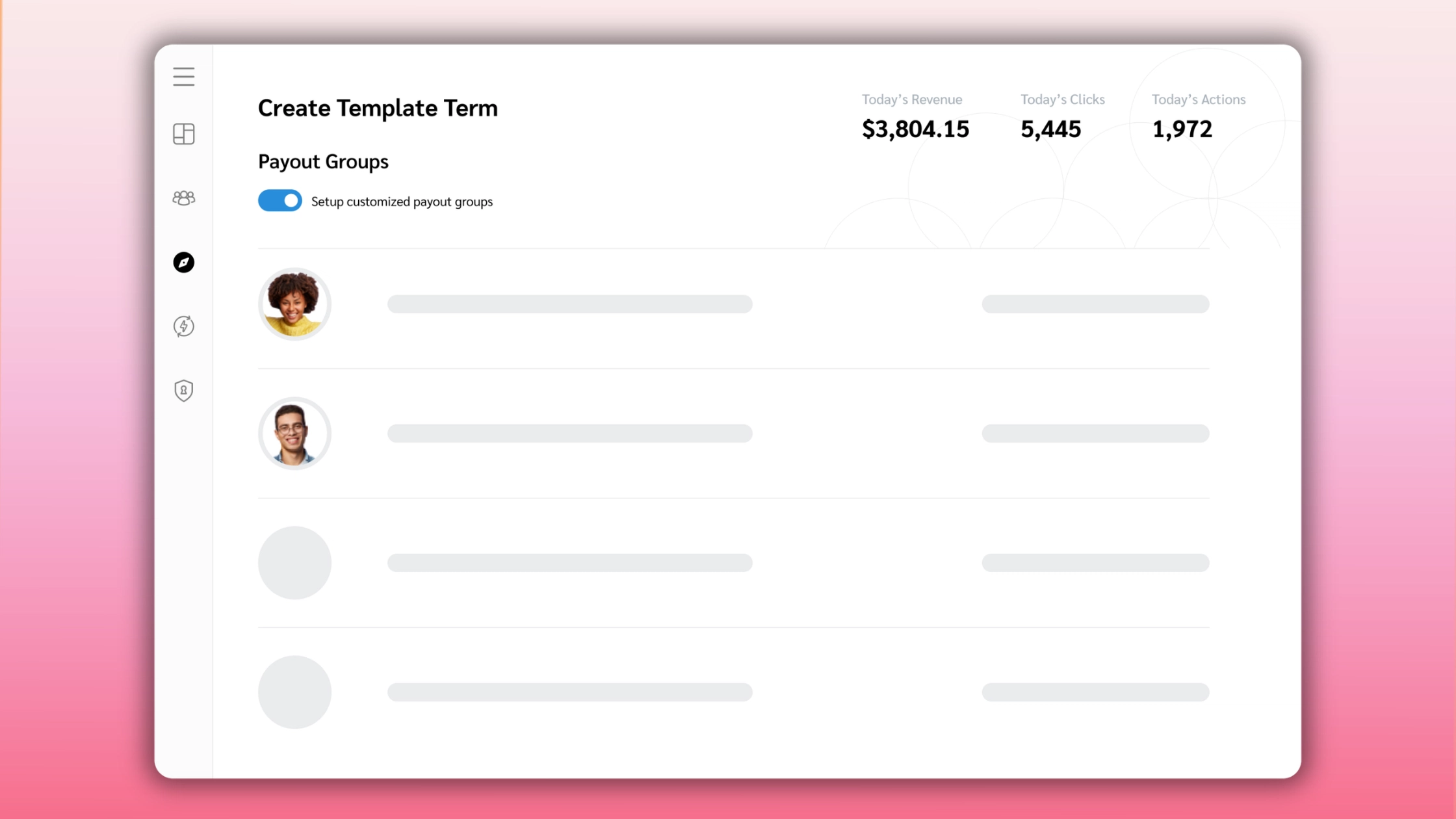
Templated contracts eliminate manual review cycles
When Semrush migrated its affiliate program to impact.com, multiple contract terms for different partner types simplified the migration of more than 1,000 partners, according to the impact.com x Semrush case study.
Speed is the gain here, but automation also decides quality. Auto-approval and auto-decline rules run on whatever criteria you set. A rule built only to clear the queue approves partners that a slower review would have questioned.
Put the quality check inside the criteria. Add a legitimacy test next to the completeness test: does the traffic source the applicant named match what their site shows? If you have no staff for manual review, build that test into the rules you already use for audience size and compliance.
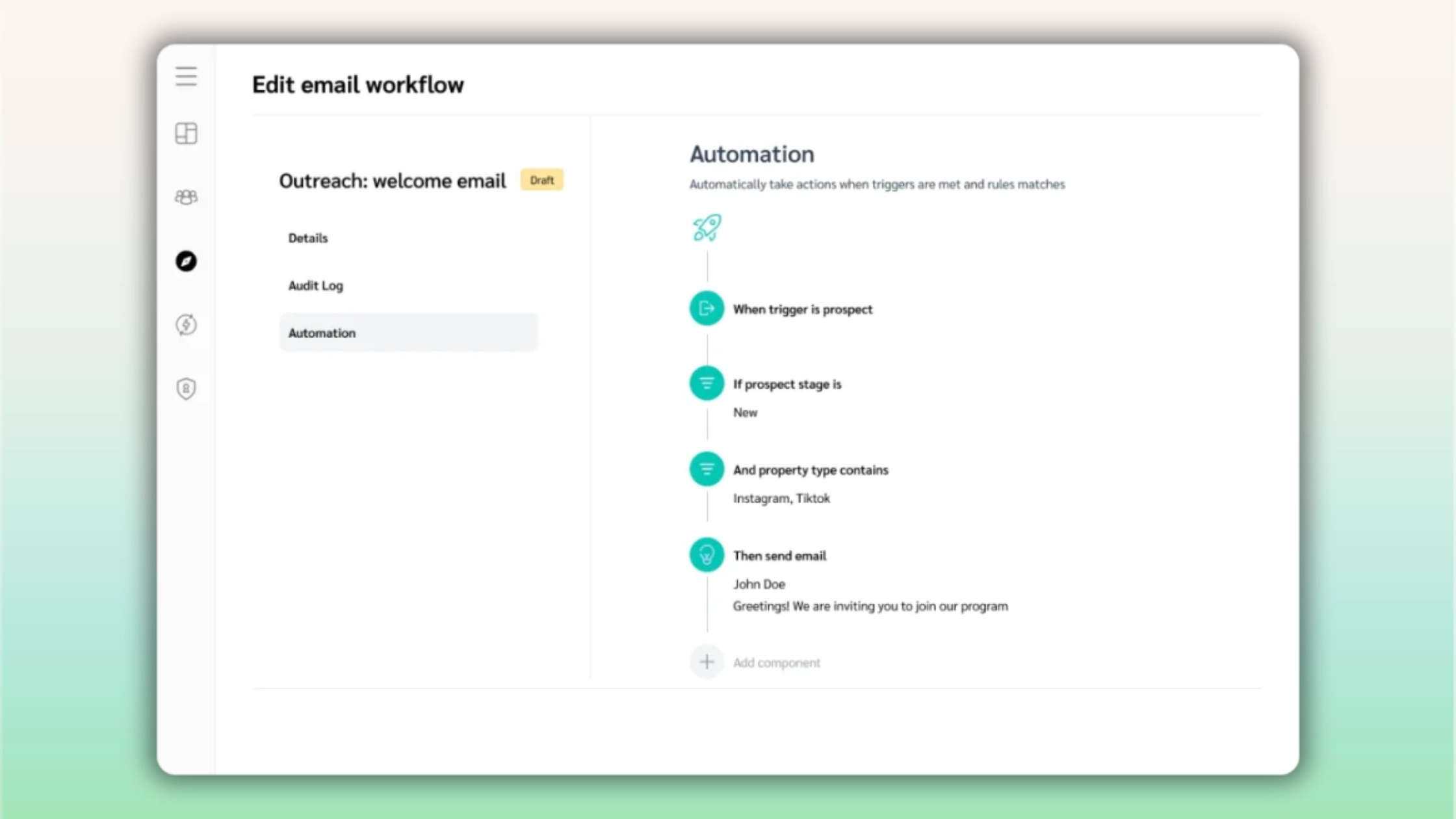
Auto-approval rules approve what human reviews question
2. Training can check quality as well as teach
Partners without proper training struggle to get started. They’re unsure how to promote effectively, unaware of available tools, or unclear on program terms. The standard fix is better training, including live onboarding webinars, a self-serve hub, and a dedicated coach for each partner’s first month.

You can run training and monitoring on one calendar. Each webinar, coaching check-in, and onboarding call is a chance to review what the partner has sent you since the last one, so your training schedule also tracks performance.
B&Q’s cut from more than 2,000 partners to 41 is not a reason to trim most of yours. It came from a full platform migration with a legacy roster that most programs don’t have. Monitoring costs little extra when you run it during training you already schedule.
3. Easy setup also removes a check
Partners give up quickly when setup is confusing. Unclear tracking-link instructions, broken integration guides, and no real-time support all push them out before they start promoting.
Step-by-step guides, walkthroughs, and live chat remove that friction. Implement them because a partner who quits mid-setup often leaves for reasons unrelated to fit.
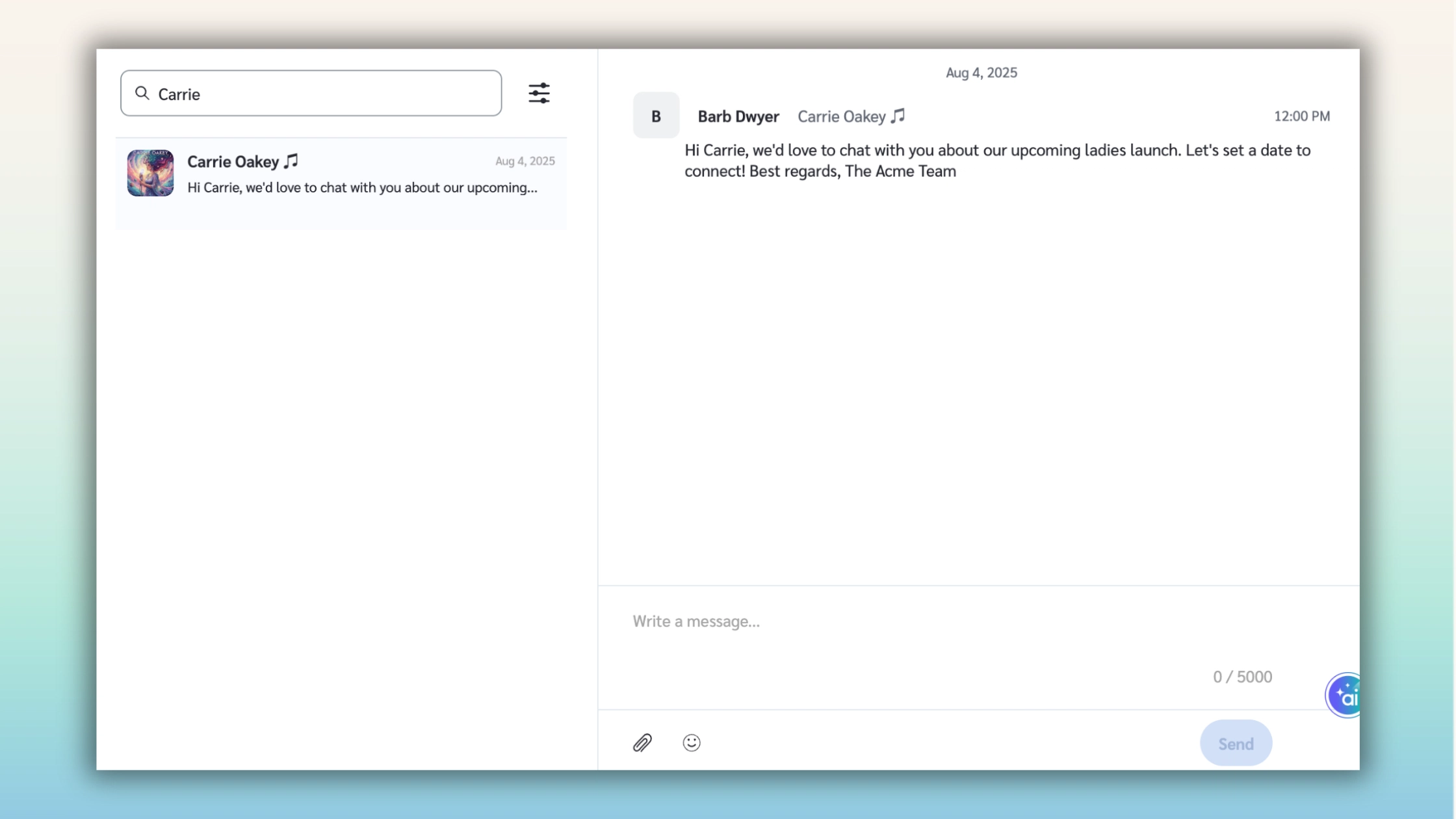
Live support keeps quality partners from quitting
Removing friction also removes a check you used to get for free. A partner whose traffic sources don’t match their application can connect just as easily as one whose do. Keep cutting setup friction, and add the check on purpose.
Add a traffic-source comparison to integration. Once a partner’s tracking links go live, compare their click sources with the channels in their application, and resolve mismatches before they scale.
4. A fast start deserves a second look
A structured activation roadmap, orientation webinars, and ready-made marketing assets are the standard fix for slow ramp-up, and they work. New partners start driving results faster, rather than feeling stuck after onboarding ends.
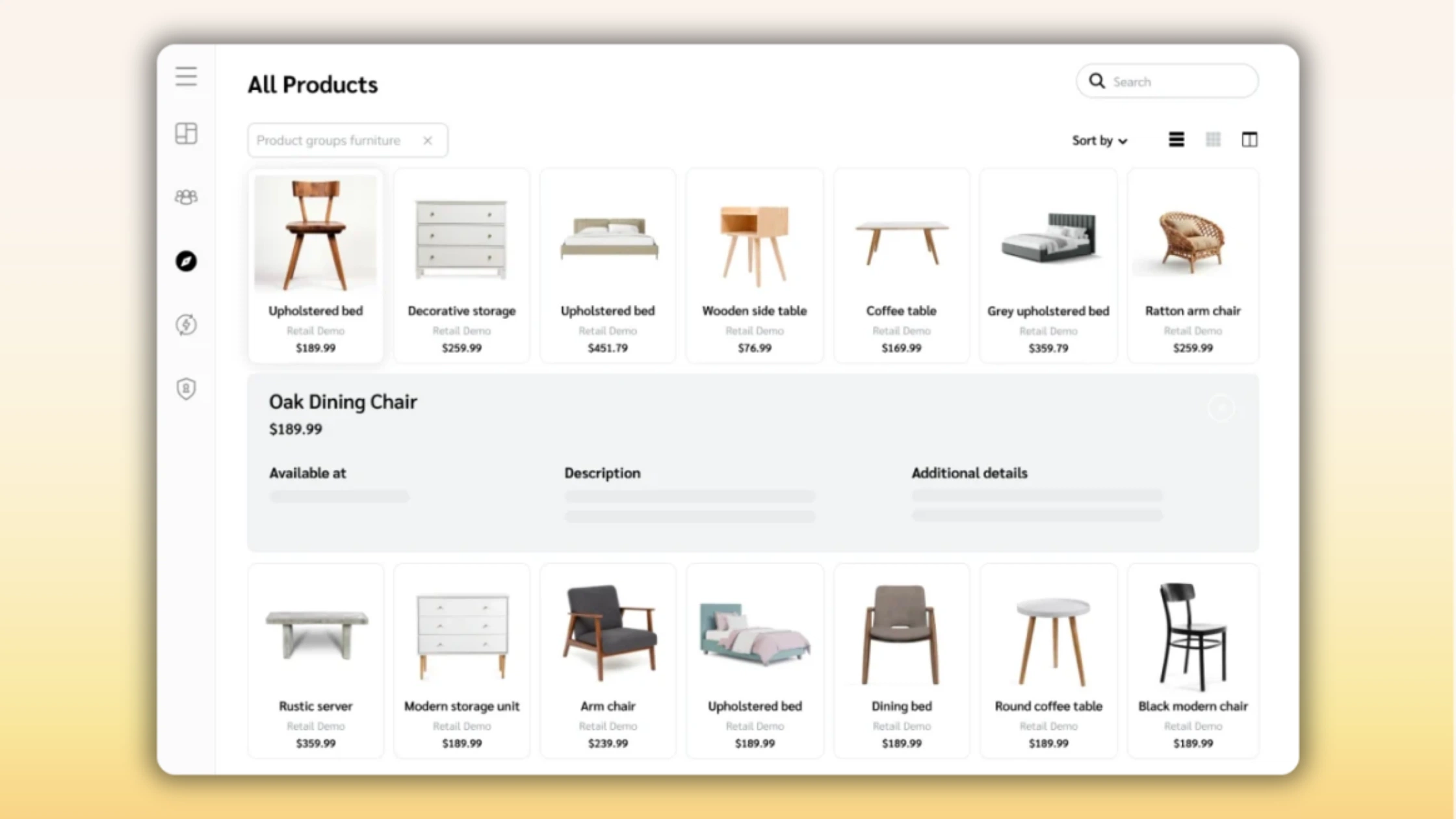
Ready-made assets keep new partners engaged
The same setup makes one pattern easy to miss. Every program rewards fast activation, so a brand-new partner with no track record that ramps up unusually fast looks like the best possible result. Sometimes that partner really is that good. Other times, the traffic comes from channels the partner never named, and a roadmap built to measure speed can’t tell the two apart.
Check any partner who ramps up unusually fast in the first 30 days. Confirm where the traffic comes from and whether their history supports it. The check assumes nothing about intent. It confirms only that the traffic is real.
Build a 90-day quality check-in cadence
Each stage above pairs a speed check with a quality check. A new partner’s activity shows something real at three points, and the 90-day cadence puts one quality check at each.
| Checkpoint | What to build | What to check | What to do with the results |
|---|---|---|---|
| At application review | A legitimacy test in the auto-approval criteria | Does the named traffic source match the applicant’s site or channel? | Send mismatches to manual review and auto-approve the rest |
| First 30 days | A traffic-source comparison and a performance read on every training call | Do live click sources match the application, and is fast activation backed by traffic history? | Flag unusually fast partners with no history for a second check |
| Days 31 to 90 | A consistency review | Does the traffic pattern still match the application, and is activity steady rather than one spike? | Act before payouts build up |
You don’t need a compliance team for this. The checks run on application reviews, training calls, and dashboards you already use, so they add a step to your current work, not a new department.
The metrics that show whether onboarding works
You likely track a version of the standard onboarding list. Every metric on it measures speed, and none measures fit.
| Dashboard panel | Speed reading | Quality reading to add |
|---|---|---|
| Activation | Days from application to first live link | Share of approvals whose traffic source matches the application |
| Traffic | Clicks in the first week | Share of clicks from channels named in the application |
| Conversions | Conversions per partner in the first 30 days | Whether conversions hold a steady weekly pattern instead of a single spike |
| Activity over time | Active partners by week | Whether partners still look legitimate at day 90, not just at day 30 |
Speed numbers show how quickly a partner moved. Traffic sources show where their clicks actually come from. Two partners can look the same on speed and differ sharply on traffic. The difference only becomes apparent when you compare each partner’s named channel with their actual click sources.
Check the traffic columns once a month, start with any partner who hits a speed milestone early. A quick comparison of named channels against total click sources catches most mismatches. Review partners that also match once a quarter, since a partner that was clean at day 30 can shift source by day 90.
FAQs
A partner onboarding process is the sequence a program uses to register, train, integrate, and activate a new partner, from application through their first conversions. Most programs build it to move partners through quickly, with a speed fix at each stage. Each fix also removes a chance to catch a partner who should not be in the program, which is why every speed fix should be paired with a quality check.
A new affiliate partner is high quality when their traffic matches what they stated at application, their channels fit the program, and their activity stays steady through the first 90 days. Activation speed shows only that a partner is moving. These three signals show whether the partner belongs in the program, and a performance read on training calls shows whether they are worth keeping.
A 90-day quality check-in cadence for affiliate partners is a set of three checkpoints: at application review, during the first 30 days, and from day 31 to day 90. At application review, the program tests whether the named traffic source matches the applicant’s site or channel. In the first 30 days, it compares live click sources with the application. From day 31 to day 90, it confirms that the traffic pattern still matches and that activity remains steady.
A small affiliate team can monitor partner quality without adding headcount by building checks into work it already does. Application reviews, training calls, and performance dashboards can each carry a traffic-source or activity check. A team that reviews each partner’s traffic source at application and reads activity on every training call covers most of the cadence without new hires.
Measure quality alongside speed
Many programs think they must choose between speed and care. The real problem is a scorecard that measures only how fast a partner goes live. It cannot tell a strong partner from a weak one.
Your scorecard can ask one question or two. The second question costs far less than a bad partner who stays active and gets paid for months.
B&Q’s smaller roster converted 5x better, so a bigger roster does not automatically mean better partners. The case documents a platform migration and a roster cut. It does not test whether quality checks work, so treat the paired checks as a change to test in your own program.
Choose the speed fix that matters most to you, then add its paired quality check at the matching checkpoint.
Further reading
- 5 strategies to turn affiliates into high-performing partnerships (blog)
- Affiliate program communication guide: 4 strategies to improve partner engagement and performance (blog)
- 5 steps to move to impact.com: migrating partnerships platforms made easy (blog)
- Onboarding success checklist: How to avoid delays and launch on time (worksheet)